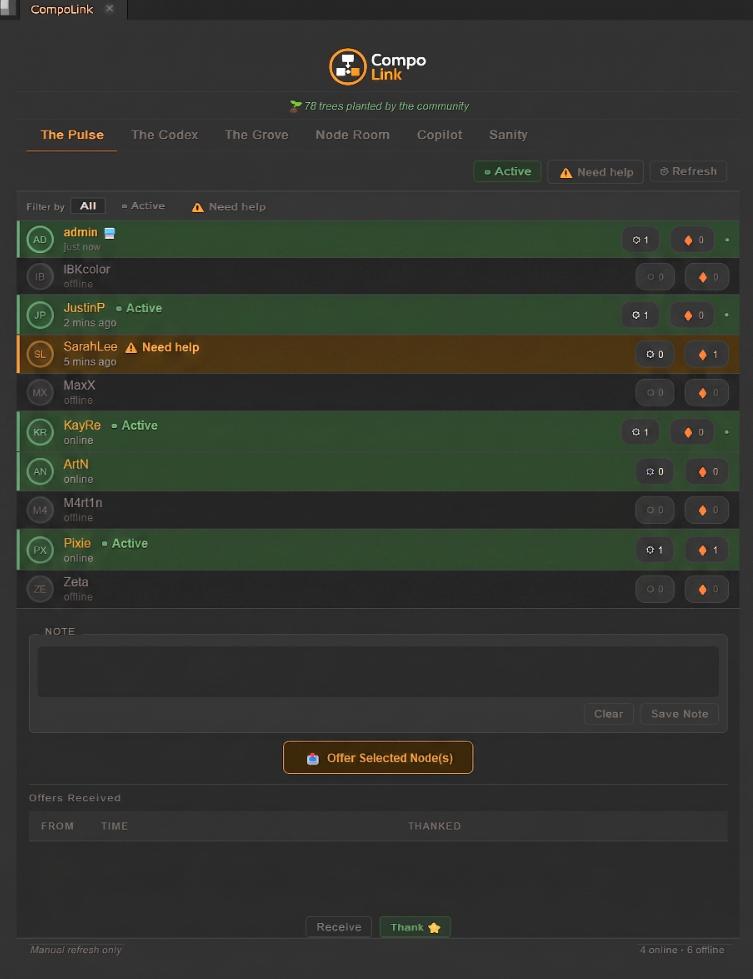
The Node Room
A live canvas for compositors
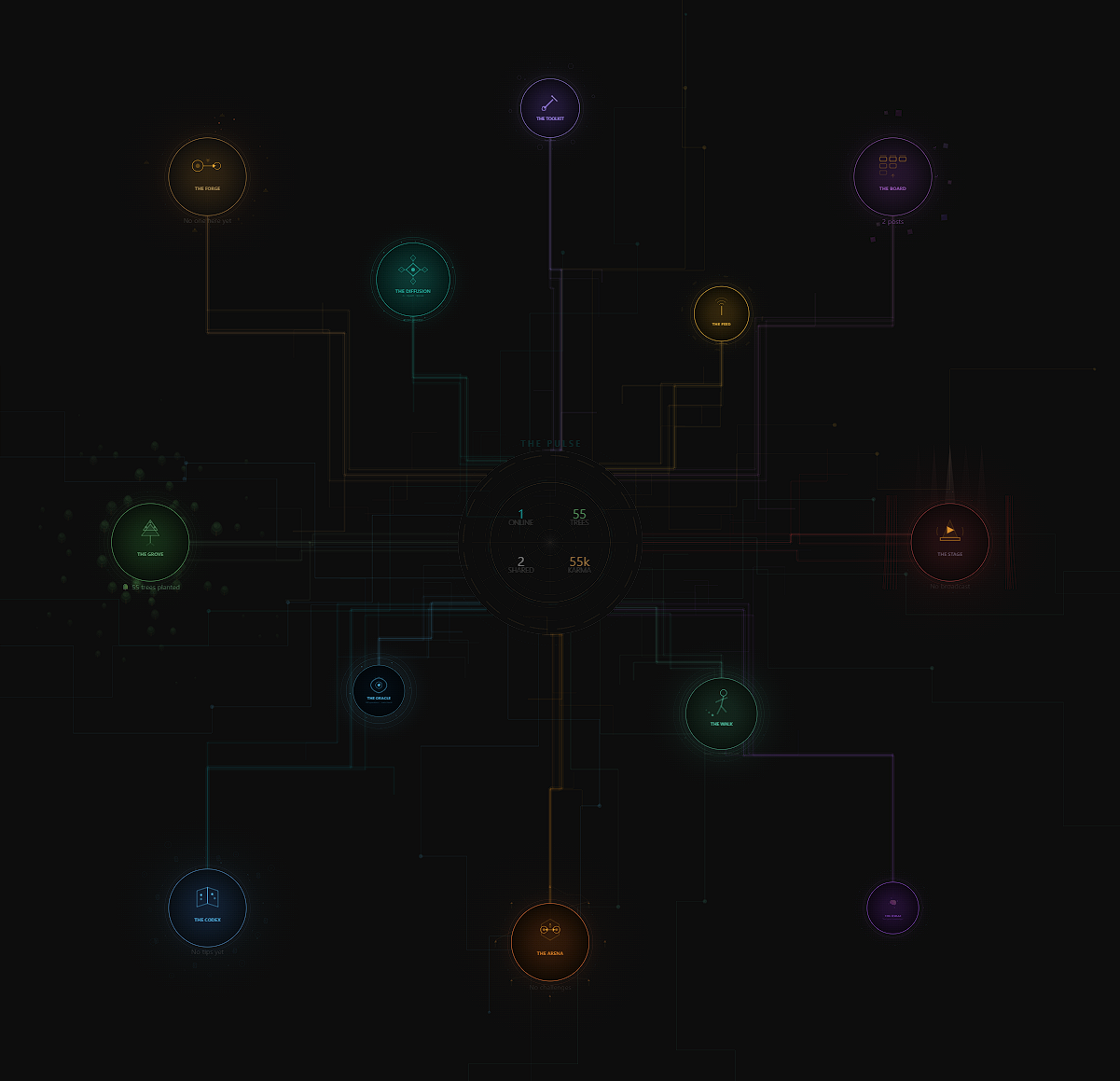
The Node Room is a persistent shared space that runs in your browser. Every compositor has an avatar, a position on the canvas, and a presence — visible to the whole community in real time.
Avatars
Each connected compositor is represented as a dot on the canvas — coloured, labelled, and live. You can see their status (active, need help, busy, AFK), move freely across the map, and jump into any group or hub zone.
Links
Cables appear between any two compositors connected on the canvas — regardless of group, hub, or session. They're visible as dashed lines at all times — a real-time picture of who is working with whom at any given moment.
Shares
A share is a node setup exported directly from Nuke and sent to another compositor — or posted publicly. Recipients get a popup in the plugin; one click imports the setup into their script. Every share earns community karma.
Groups — your team's space
Create a group and invite your team. Double-click a group on the map to enter it — you get a private canvas with two zones. Access is controlled by edit and view passwords with three permission roles.
- Admin · Member · Viewer permission roles
- The Pit — campfire zone, mood indicators, chat bar, beer tables for pairing
- The Workshop — node drops, code snippets, and shared setups
- Live video hub for all group members
- In-group chat with real-time bubbles